Create and customize short links
Turn a long destination into a compact, recognizable link. Then tailor its domain, tracking, access, and redirect behavior to fit how you plan to share it.
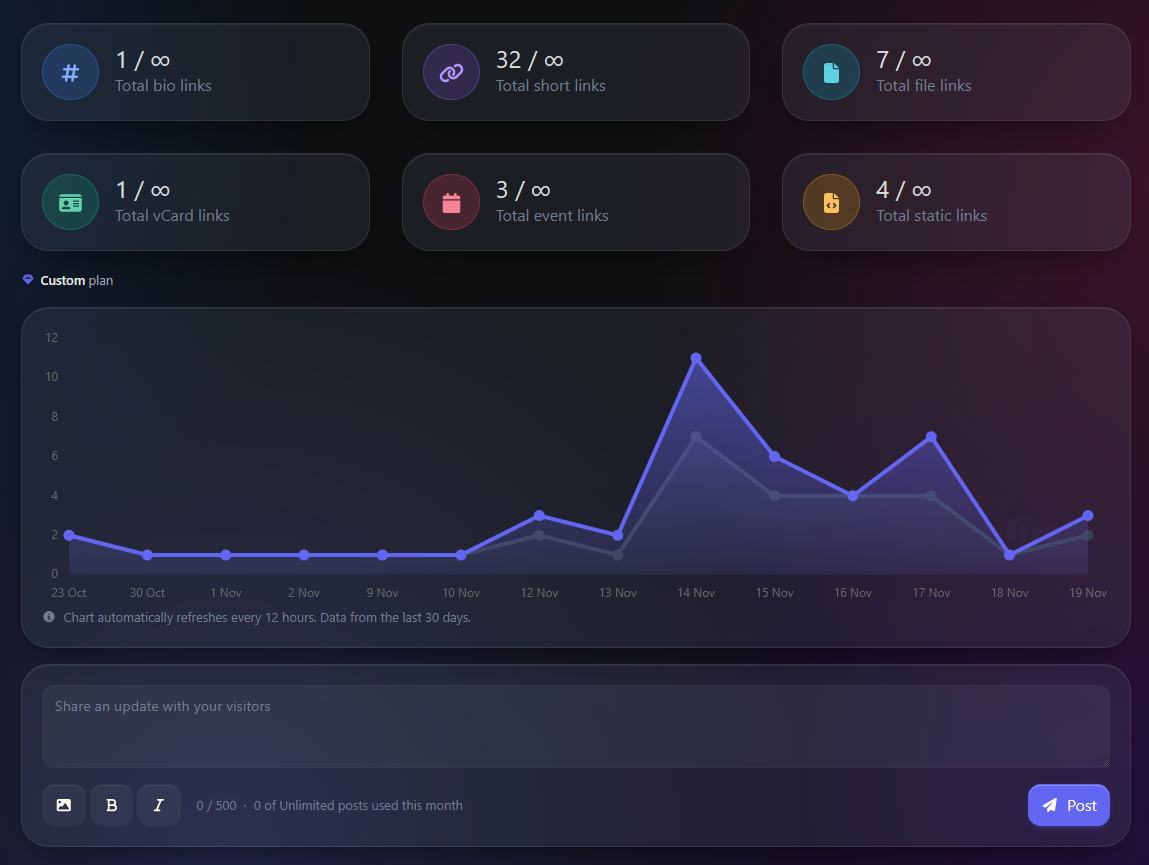
In this guide
Create
Choose a destination, short alias, and domain, then save the link.
Customize
Configure app opening, campaign tags, targeting, or access controls.
Measure
Review click data and use it to improve how you share future links.
Fast Short Links & Custom Alias
Transform messy links into clean, brandable URLs with custom domain support and quick redirection.
Traffic insights
Review clicks, referrers, locations, and devices to understand how your links are performing.
Create your first short link
Sign in to your account and open the link management area. Start a new shortened link, enter its destination, and save it with a domain and alias that are easy to recognize.
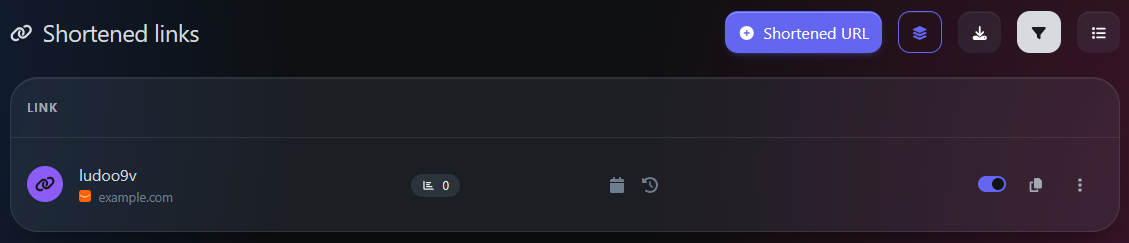
1. Open link management
From the dashboard navigation, choose the shortened-links section, then select the action to create a new link.
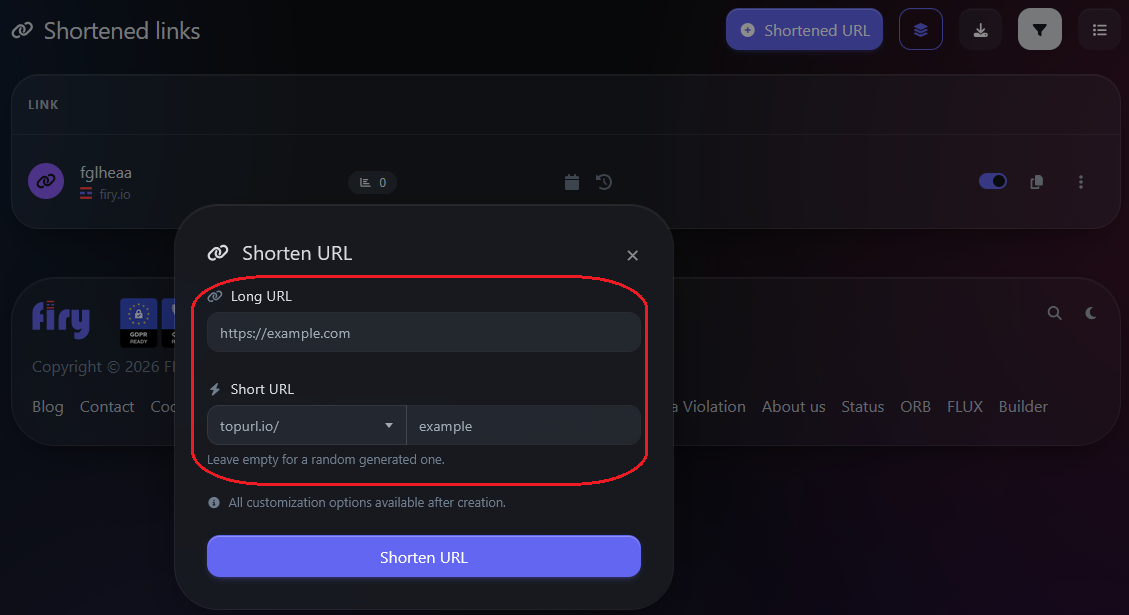
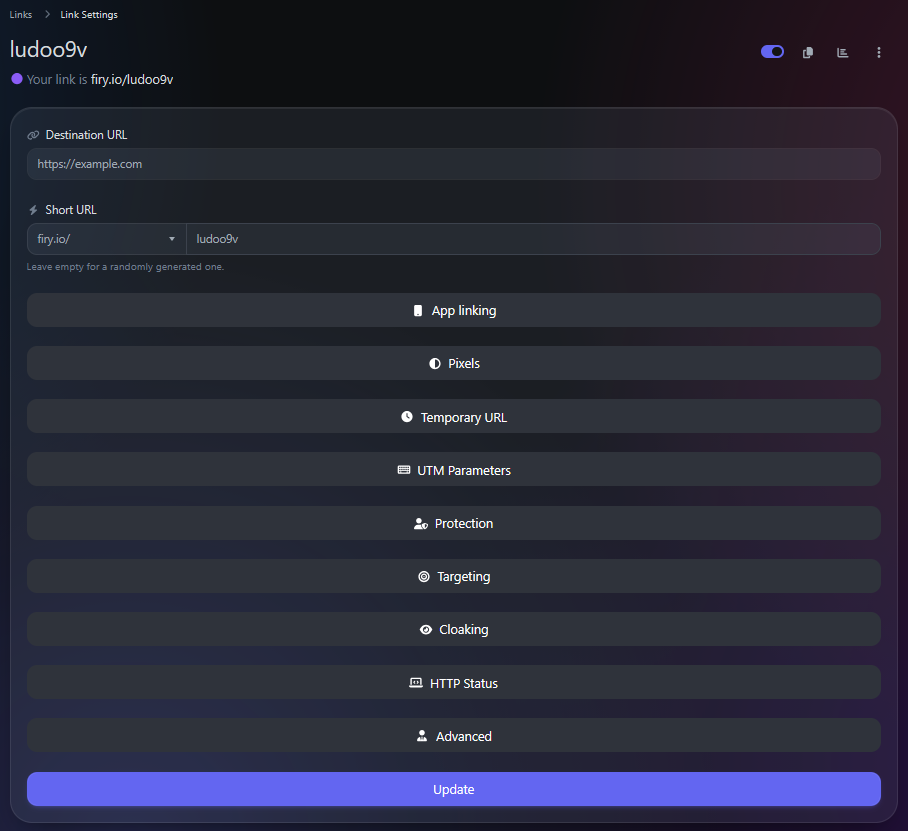
2. Add the destination and alias
Paste the full destination URL into the long-link field. The short alias is the readable part after your short domain.
- Leave the alias empty if you want the system to create one automatically.
- Enter a custom alias when you want a link that is easy to remember or identify in a campaign.
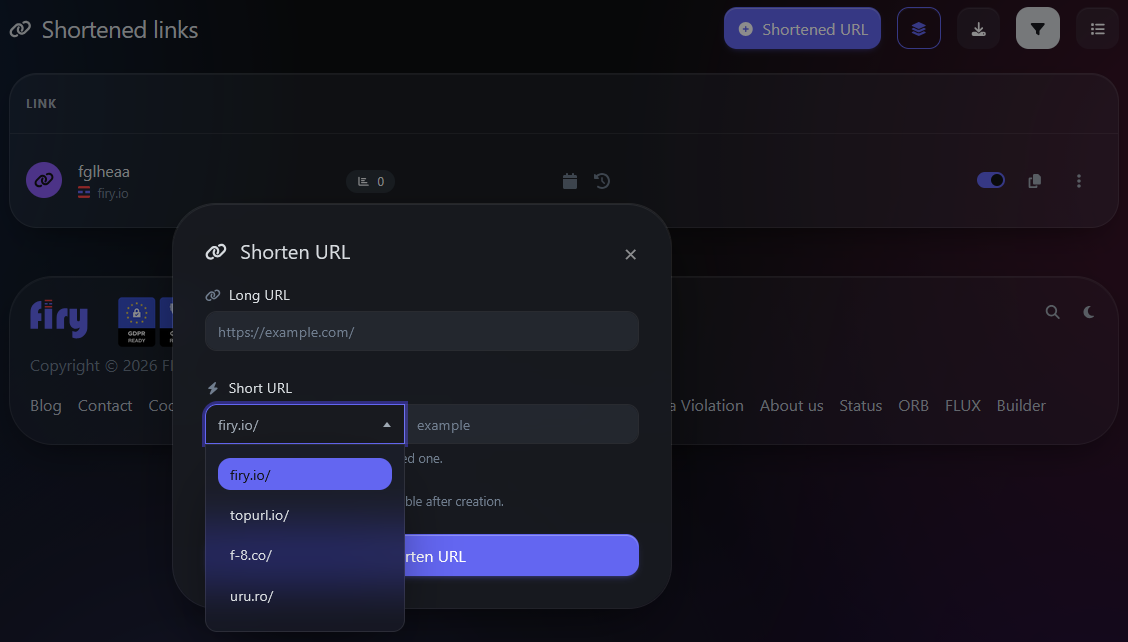
3. Choose a short domain
Select a domain from the choices available to your account. A branded domain can make links easier to recognize and can reinforce your organization’s identity. Confirm that the selected domain is configured and active before sharing the link.
4. Save, then review the options
Create the link and check that the destination, alias, and domain are correct. Open the link’s settings to add optional tracking or behavior controls before distributing it.
Choose the options you need
Advanced settings are optional. Use only the controls that match the link’s purpose, and test the finished link on the devices and destinations your audience will use.
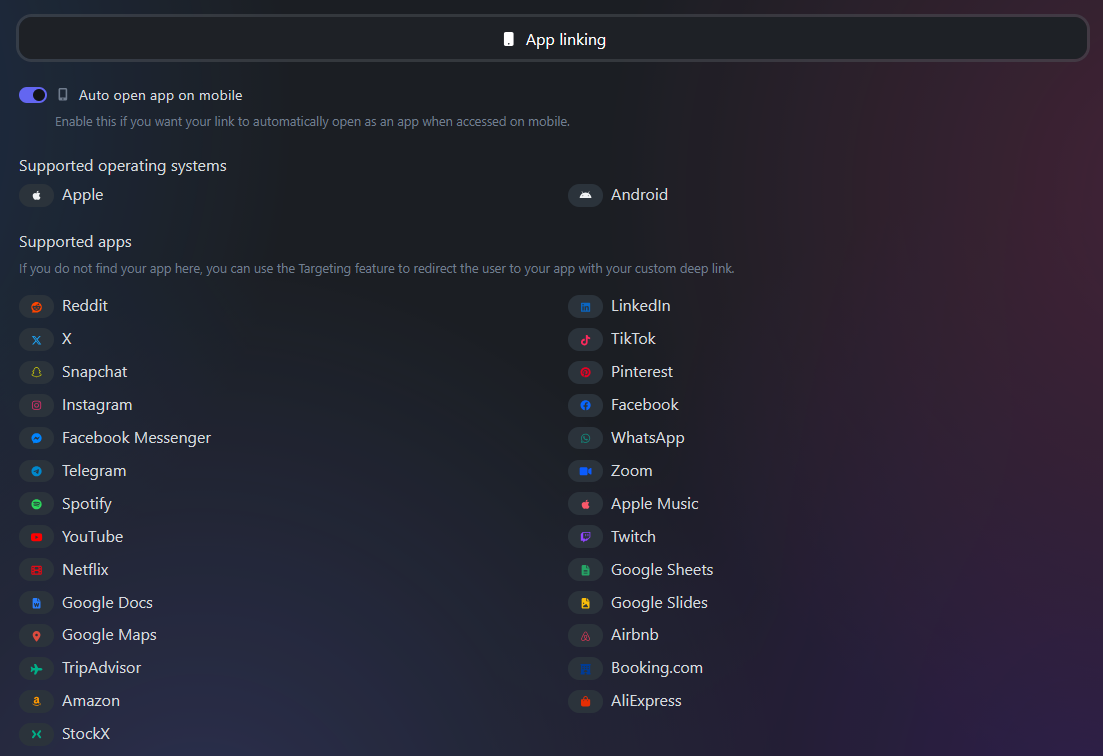
Open an app on mobile
App linking can send a mobile visitor to a selected app when it is installed. Enable the app-opening option, choose the relevant mobile platform, then select an app offered by the interface.
Test on a device with the app installed and on a device without it, so you know what fallback behavior visitors will see.
Attach a tracking pixel
If your account supports pixels, select or create the relevant pixel and enter its provider ID. Pixels can help connect link activity with a marketing measurement setup. Use them only with the appropriate consent and privacy disclosures for your audience.

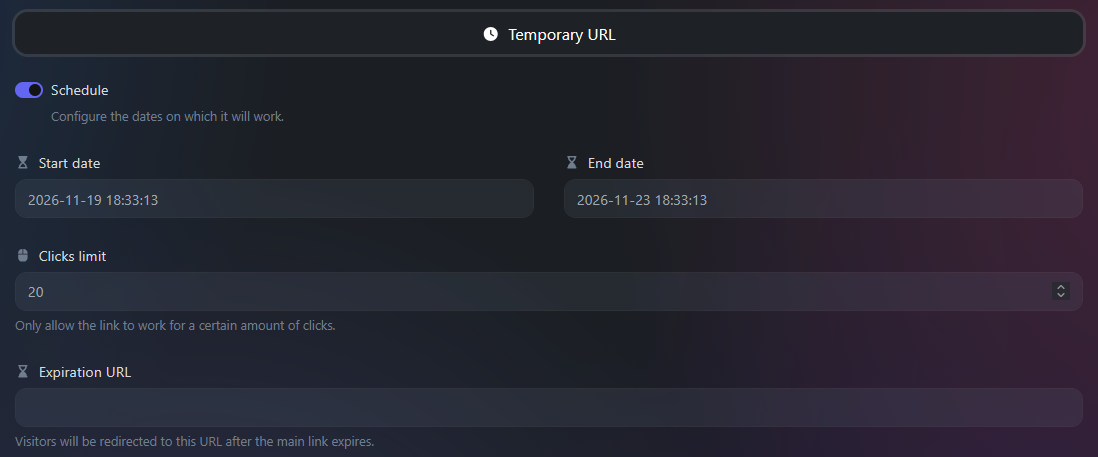
Set an availability window or click limit
For a time-limited promotion, configure when the link becomes active and when it expires. If the interface offers a click cap, set the maximum number of visits. You can also specify where visitors should go after the link expires or reaches its limit.
Check the dates, time zone, and expiry destination carefully before publishing the link.
Add campaign parameters
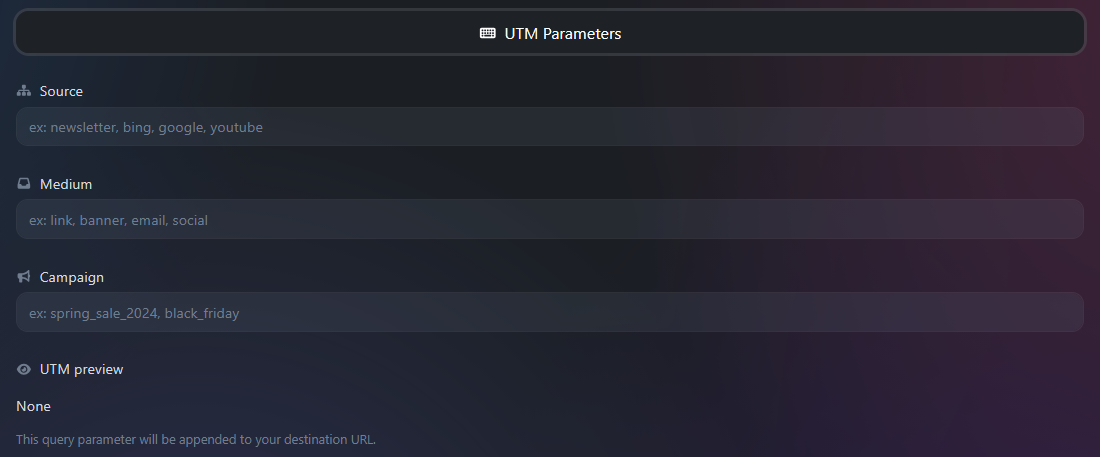
Use UTM fields to label the campaign source, medium, and name. For example, identify a newsletter as the source, email as the medium, and a promotion name as the campaign. Keep naming consistent across links so your analytics reports are easier to compare.
Before sharing, verify that the tags appear on the final destination URL as expected.
Add a password or content notice
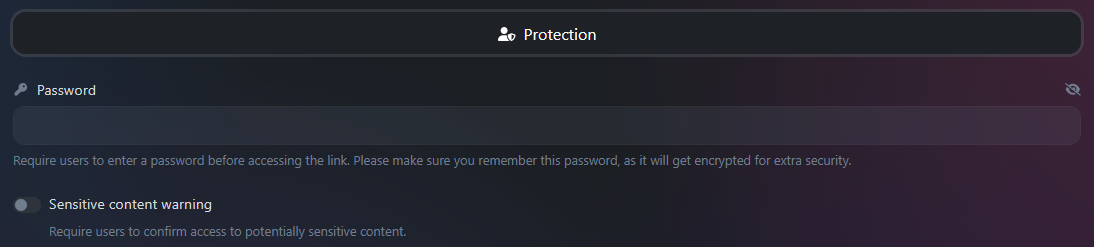
For links that should be shared with a limited audience, enable password protection and set a password to share through a separate channel. A sensitive-content notice can warn visitors before they continue.
A short link is not a substitute for access control on confidential files or accounts. Protect sensitive material at its destination as well.
Route different audiences
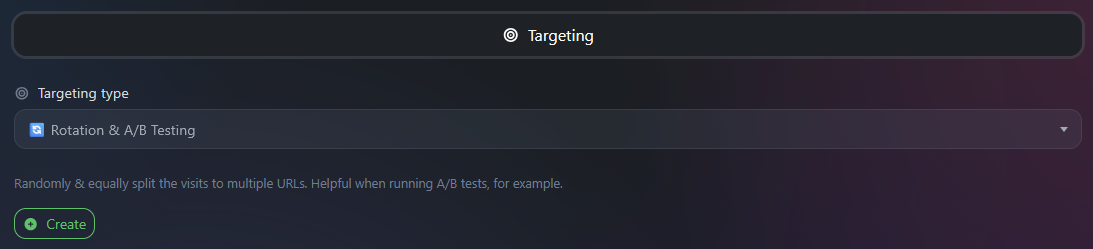
If targeting is available, create destination rules for supported attributes such as country, language, or device type. Add a destination for each segment and set a suitable default destination for visitors who do not match a rule.
Test each route, including the default, before sharing the link widely.
Customize the preview page
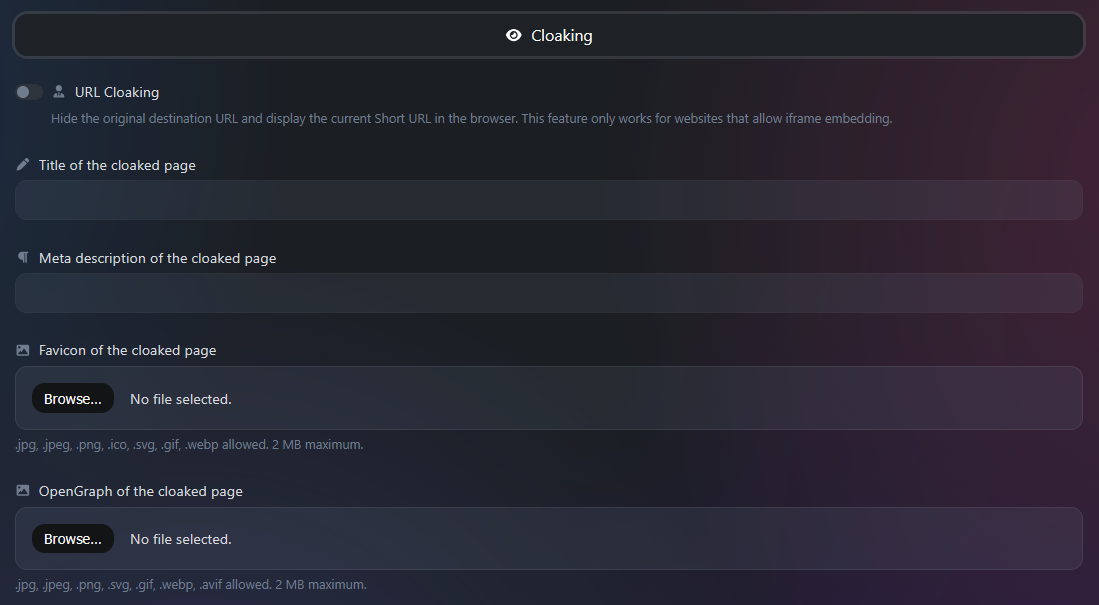
Where link cloaking is supported, set the page title and favicon used by the intermediate or framed page. Cloaking changes how the destination is presented; it does not change the actual destination or make it private.
Use a clear, recognizable preview and avoid hiding the destination in ways that could mislead visitors.
Choose a redirect status
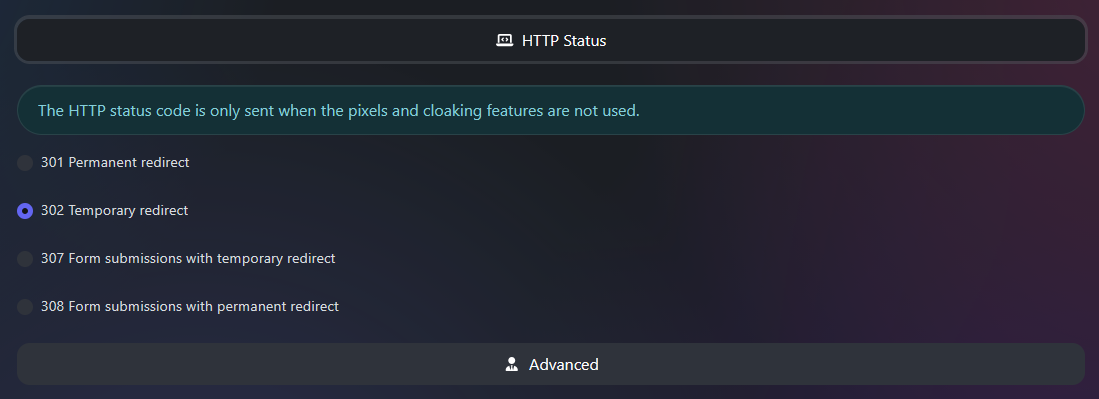
Select the redirect type that matches how long the destination is expected to remain in use. A 301 redirect is generally used for a permanent move; a 302 is generally used for a temporary one. Choose 307 or 308 only when your use case requires their method-preserving behavior.
If you are unsure, use the platform's default and confirm the redirect behavior with a test link.
Organize links and add a pre-redirect page
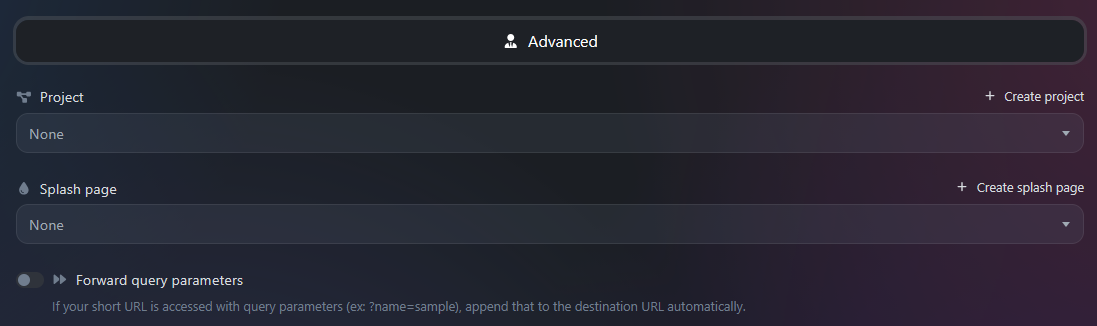
Assign the link to a project to keep related campaigns together. If splash pages are available, select one to show a short message before redirecting. Query-parameter forwarding can carry selected parameters from the short URL to the destination.
Review the final destination and parameter behavior to avoid forwarding information you do not intend to share.
Measure link performance
After sharing the link, review its click analytics and compare results across campaigns, domains, or audiences. Use a consistent alias and UTM naming pattern to make reports easier to interpret.
- Compare links that differ by one campaign variable at a time.
- Check that the destination still works and the link has not expired.
- Use what you learn to improve the next campaign; avoid drawing conclusions from very small samples.
Before you share
| Check | Confirm |
|---|---|
| Destination | The final page loads and is the one you intended. |
| Alias and domain | The short link is readable, available, and uses the right domain. |
| Tracking | UTM values and any enabled pixel match your campaign setup. |
| Rules | Expiry, click limits, targeting, password, and redirect behavior work as expected. |
| Mobile behavior | App links and destination pages behave correctly on a phone. |